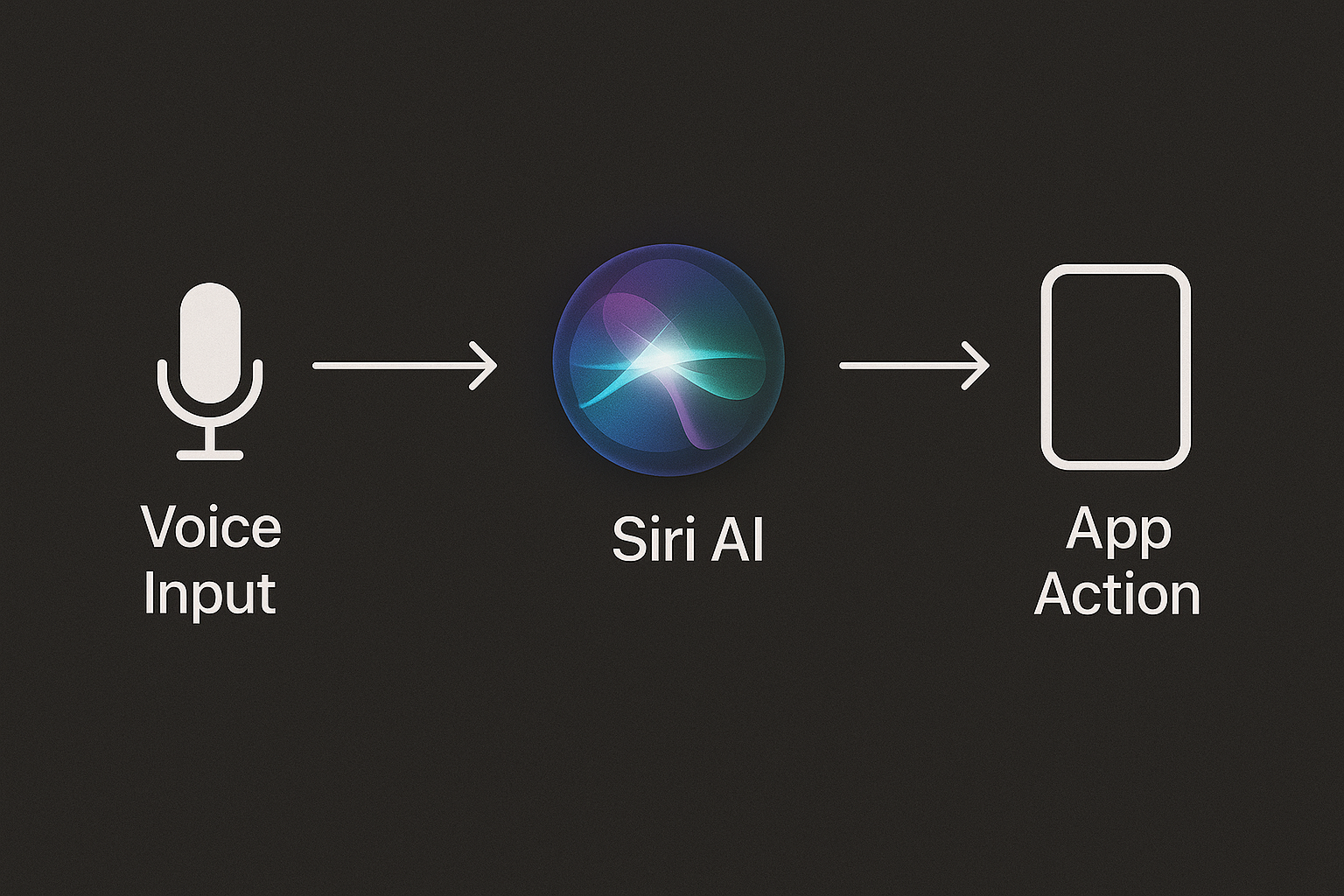
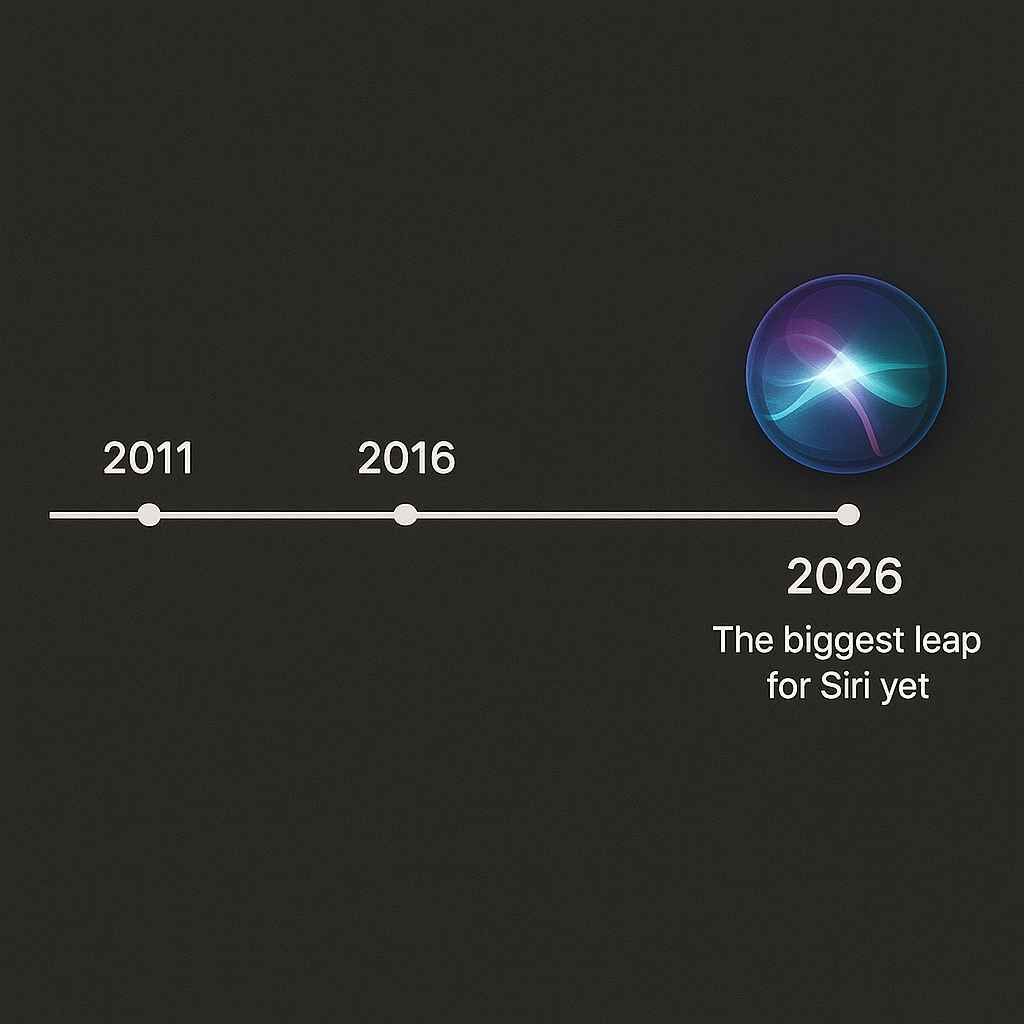
Apple is preparing one of the most ambitious updates to Siri since its debut in 2011. If you’ve ever been frustrated by Siri’s limitations—or wished your iPhone’s voice assistant could do a lot more—then the upcoming Siri changes in 2026 might just redefine how you interact with your device.
In this guide, we’ll cover:
1.What’s changing in Siri
2.The new features Apple is adding
3.When the update is expected to launch
4.How it will integrate with your apps
5.Why it’s delayed until 2026
6.Impact on iPhones, iPads, Macs, and HomePods
7.What this means for privacy and security
8.How to prepare for the update
1. Why Apple is Changing Siri
Apple’s Siri has been in the market for more than a decade. While it was the first mainstream voice assistant, it has gradually fallen behind rivals like Google Assistant, Amazon Alexa, and ChatGPT-based tools.
Users have long complained about:
Limited contextual understanding Inconsistent responses Difficulty performing multi-step tasks Lack of deep integration with third-party apps
Apple knows it needs to reinvent Siri to stay competitive. That’s why the company is building a new version from the ground up—one that’s smarter, faster, and capable of controlling apps entirely by voice.

2. The Biggest Siri Changes Coming in 2026
The new Siri update will focus on voice-only app control and AI-driven intelligence.
2.1. Voice-Only App Control
Instead of tapping, swiping, or typing, you’ll be able to navigate apps entirely by voice. For example:
“Hey Siri, open Instagram and post my latest photo with the caption: ‘Best day ever!’” “Siri, book me an Uber to the airport for 6 PM.” “Order my usual coffee from Starbucks.”
This will be possible because Apple is revamping its App Intents framework to allow Siri to perform multi-step actions in third-party apps.
2.2. Smarter Contextual Awareness
New Siri will remember previous commands and keep conversations going naturally. For instance:
You: “Siri, show me Italian restaurants near me.” Siri: “Here are some options.” You: “Book a table at the second one for 7 PM.” Siri understands the “second one” reference without asking again.
2.3. Deeper AI Integration
Apple is integrating Siri with its Apple Intelligence platform—a set of AI tools that run on-device and in the cloud. Expect:
Summarizing long messages and emails Generating quick replies Editing photos and videos Translating speech in real time

3. When Will the Siri Update Launch?
Originally rumored for fall 2025, the update is now expected in spring 2026 as part of iOS 26.4.
Reasons for delay include:
Major leadership changes in Apple’s AI and Siri teams Technical challenges in implementing deep app control Testing for privacy compliance in multiple countries
4. How Siri Will Work with Apps
Apple is working closely with major app developers to ensure Siri commands feel natural and consistent. Supported apps in early testing include:
WhatsApp – Send messages, make calls, check unread messages YouTube – Search videos, play playlists, adjust playback Uber – Book rides, check driver details, cancel trips Amazon – Search products, add to cart, track orders
Over time, smaller app developers will be able to integrate their apps using Apple’s new SiriKit enhancements.
5. How Will Siri Improve Across Devices?
The update isn’t just for iPhones. It will also roll out to:
iPads – Useful for students and professionals using voice for multitasking
Macs – Hands-free productivity and AI-assisted creative tools
HomePods – Better smart home control and entertainment features
Apple Watch – Quicker workout tracking, messaging, and scheduling
6. Privacy and Security Upgrades
Apple’s privacy-first approach means much of Siri’s processing will happen on-device—keeping your data private while still enabling powerful AI features.
New privacy tools include:
Local language processing without sending audio to the cloud Granular permissions for which apps Siri can access Data minimization so only relevant info is used per request
7. Preparing for the Siri Update
To take full advantage of the Siri changes in 2026, you should:
1)Update to iOS 26 when it becomes available
2)Enable Siri suggestions in your device settings
3)Grant app permissions for voice control features
4)Practice voice commands with current Siri to get used to the workflow
5)Check app compatibility for third-party Siri support
8. Why This Matters for the Future of Apple
Apple’s entire ecosystem—from iPhone to Vision Pro—depends on intuitive user interfaces. If Siri becomes powerful enough to handle complex tasks without touch, it could:
Reduce screen time and reliance on taps Make devices more accessible for people with disabilities Offer a competitive edge against Google and OpenAI
Apple is betting that voice will be the next big interface—and Siri is the key.

Conclusion
Apple’s Siri transformation in 2026 is set to be the most significant leap forward since the assistant’s debut. With voice-only app control, deeper AI integration, smarter contextual understanding, and enhanced privacy protections, this update could redefine how we interact with our devices.
While we’ll need to wait until spring 2026 for the full rollout, early previews suggest that Siri will finally deliver the seamless, intelligent experience Apple users have been waiting for. Whether you’re a power user who manages your entire workflow through Apple devices or someone who just wants faster, more accurate answers, the Siri changes are worth getting ready for now.
If Apple succeeds, Siri could lead the voice assistant market once again—bringing the convenience of AI-driven interaction to millions of users worldwide.
External References
Apple’s Upcoming Siri Upgrade: Voice Control for Apps The Verge: Apple Siri Update Rumors and Delays TechRadar: Tim Cook on Siri’s 2026 Reboot Apple Developer – SiriKit and App Intents